Control Techniques MP75A4R Mentor MP DC Drive


Het item werd toegevoegd aan uw offerteaanvraag
Product Information
The Control Techniques MP75A4R is a Frame 1 four-quadrant DC drive in the Mentor MP series, designed for dynamic regenerative motor speed and torque control in industrial process applications. Operating across an AC input voltage range of 20 V AC to 480 V AC at 48 Hz to 62 Hz, this drive supplies a continuous armature current of 75 A and delivers up to 50 HP (37.5 kW) at a rated armature voltage of 500 V DC. Its four-quadrant power structure enables full motoring and regenerative braking in both forward and reverse directions, complemented by an integrated 8 A field controller for advanced field weakening. With an overload capacity of 150% for 30 seconds, it is widely applied in converting, extrusion, wire drawing, and heavy material handling systems.
For feedback and system integration, the MP75A4R includes a universal main encoder interface supporting Quadrature, Frequency & Direction, and absolute SSI signals, alongside a built-in RS-485 serial port operating Modbus RTU protocol. Expansion is supported via three option slots accepting Solution Modules such as SM-PROFIBUS-DP, SM-PROFINET-IO, SM-EtherCAT, and SM-Applications modules. Commissioning a replacement unit requires transferring parameter settings, motor limits, and onboard PLC logic. System programs created in SyPT Lite or SyPT Pro software can be backed up and restored using Connect or CTSoft software, or copied using a Smartcard memory card. ABC Industrial Parts can assist maintenance teams with sourcing tested replacement units and backing up parameters to minimize system downtime.
Operating conditions and fault status are displayed on an MP-Keypad or SM-Keypad interface using state indicators such as ih (Inhibit), rdy (Ready), and run (Running), as well as dedicated trip codes. Diagnostic logging records the ten most recent trip codes in parameter registers Pr 10.20 to Pr 10.29, accessible via the keypad or Connect software over RS-485. Initial troubleshooting steps include checking input line fuses during supply phase loss, inspecting armature wiring for short circuits during overcurrent trips, and checking heatsink fans when thermal warnings occur. Internal board failures, such as EEPROM memory corruption or internal power supply faults, are not field-serviceable, making drive repair or a tested exchange unit from ABC Industrial Parts the standard path to restore machine operation.
Technical Specifications
| Manufacturer | Control Techniques |
| Part Number | MP75A4R |
| Model / Type | Mentor MP |
| Component Type | DC Drive |
| Frame Size | 1 |
| Continuous Armature Current | 75 A |
| Rated Armature Voltage | 500 V DC |
| Rated Output Power (HP) | 50 HP |
| Rated Output Power (kW) | 37.5 kW |
| AC Supply Voltage Range | 20 - 480 V AC |
| AC Supply Frequency | 48 - 62 Hz |
| Field Current Rating | 8 A |
| Operating Quadrants | 4-Quadrant Regenerative |
| Overload Capacity | 150% for 30 seconds |
| Built-in Serial Interface | RS-485 (Modbus RTU) |
Programming and Configuration
The Control Techniques MP75A4R features an onboard PLC capable of executing standalone control sequences without requiring a secondary automation controller. Users develop custom logic, interlocking routines, and dynamic speed/torque regulation sequences using SyPT Lite or SyPT Pro software packages. Online monitoring, configuration parameter editing, and drive setup are managed through Connect or CTSoft commissioning software using an RS-485 serial connection.
Parameter management and drive replacement are supported via Smartcard non-volatile memory cards. The Smartcard enables parameter cloning directly at the drive without a PC, transferring motor ratings, I/O mapping, and field controller limits. Complete drive configuration files saved in Connect or CTSoft software ensure consistent parameter restoration during plant maintenance or hardware swaps.
Communication and System Integration
Base communications on the Control Techniques MP75A4R are handled by an integrated RS-485 serial port running the Modbus RTU protocol, allowing direct connection to industrial HMIs, supervisory PLCs, and commissioning computers. Feedback integration relies on a universal encoder port supporting Quadrature, Frequency & Direction, and absolute SSI encoder types.
Network connectivity can be tailored to host network requirements through three expansion option slots. These slots support Solution Modules, including SM-PROFIBUS-DP, SM-PROFINET-IO, and SM-EtherCAT, as well as SM-Applications modules for extended automation processing, integrating the DC drive into modern plant fieldbus architecture.
Diagnostics and Status Indication
Visual status indication for the MP75A4R drive is provided through an attached MP-Keypad or SM-Keypad module. The display presents operational states, including ih (Inhibit), rdy (Ready), and run (Running), as well as active trip codes during fault events. Historic fault tracking is stored in trip history parameters Pr 10.20 through Pr 10.29, accessible via the keypad display or serial diagnostics using Connect software.
Status LED Indicators
| LED | Color/Status | Meaning |
|---|---|---|
| Drive Status Indicator (Keypad Display) | Text Display | Displays drive state: ih (Inhibit), rdy (Ready), run (Running), trip state code, or alarm code |
Replacement and Spare Part Considerations
When replacing a Control Techniques MP75A4R DC drive, confirm that the replacement matches the Frame 1 physical footprint, 75 A armature current rating, and 500 V DC armature output capacity. Verify that line reactor sizing, semiconductor fuses, and external branch circuitry match the existing installation guidelines.
Before placing a replacement unit into service, transfer parameter sets, feedback scaling, and field current limits from the original drive. Parameter cloning can be performed directly using a Smartcard or restored via Connect or CTSoft commissioning software over RS-485. Any existing Solution Modules (such as SM-PROFIBUS-DP or SM-PROFINET-IO) must be re-installed into the corresponding option slots on the replacement unit.
Error Codes & Fault Codes
The following error codes may be displayed during operation or diagnostics:
| Code | Name | Description | Possible Cause | Recommended Action |
|---|---|---|---|---|
| O.cL | Armature Overcurrent | Instantaneous armature current threshold exceeded | Short circuit on armature output, motor feedback loop loss, sudden load increase, incorrect motor parameters | Check motor and armature wiring for short circuit, verify encoder connection, check field parameters and motor tuning |
| O.vt | Armature Overvoltage | DC armature voltage exceeded maximum safety threshold | Rapid deceleration without proper regenerative tuning or AC supply surge | Check AC supply voltage, verify regenerative setup and armature voltage limits |
| S.P | Supply Phase Loss | Loss of one of the AC input supply phases | Blown input fuse, loose AC power connection, severe supply imbalance | Check input fuses, supply voltages across all 3 phases and power terminal tightness |
| S.cL | Supply Loss | Complete loss of AC input mains supply | Mains power supply failed or disconnected during operation | Check AC mains supply and supply circuit breaker/contactor |
| Fld Loss | Field Loss | Field current dropped below minimum threshold during operation | Field circuit open circuit, field winding damaged, incorrect field parameter settings | Check motor field winding resistance and connections, verify field current parameter setup |
| Fld OL | Field Overload | Field controller continuous current thermal accumulator exceeded 100% | Motor field current set too high, field winding overload | Check motor field rating and adjust field current limit parameters accordingly |
| Th | Drive Over Temperature | Drive heatsink temperature exceeded thermal maximum threshold | Inadequate enclosure ventilation, cooling fan failure, heatsink clogged with dust, high ambient temperature | Check operation of internal cooling fans, clean heatsink, ensure adequate enclosure air flow |
| EEF | Internal EEPROM Fault | Internal non-volatile parameter memory corruption or hardware failure | Power failure during parameter save, hardware EEPROM chip failure | Internal hardware fault — default parameter set to re-initialize; if error persists, internal board failure requiring unit repair/replacement |
| PSu | Internal Power Supply Failure | Drive internal low voltage switch-mode power supply fault | Internal power supply circuit fault or excessive load on 24V/10V user supply terminals | Internal board failure or control wiring overload — disconnect external 24V user wiring and re-test; if trip remains, return unit for repair |
| O.sp | Motor Overspeed | Motor speed feedback exceeded maximum speed threshold | Speed feedback loss, incorrect encoder scaling, runaway field weakening | Check feedback encoder wiring and resolution parameters, check field control settings |
| CL1 | Analog Input 1 Current Loop Loss | 4-20mA or 20-4mA current signal lost on analog input 1 | Broken signal wire, sensor power failure | Check wiring to analog input 1 and input current signal source |
| Co.L | Serial Communications Loss | Host comms watchdog timeout on serial RS485 link | Interrupted serial cable connection, master PLC stopped communicating | Check RS485 communication cable and host PLC/HMI comms status |
Frequently Asked Questions
How do I transfer parameters to a new MP75A4R replacement drive?
Drive parameters can be transferred using a Smartcard memory card inserted into the drive for offline cloning, or uploaded and restored using Connect or CTSoft software connected through the built-in RS-485 serial port.
What optional fieldbus modules are supported by the MP75A4R?
The MP75A4R features three expansion slots that accommodate Solution Modules, including SM-PROFIBUS-DP, SM-PROFINET-IO, SM-EtherCAT, and SM-Applications programming modules.
What causes trip code O.cL on the Mentor MP drive?
Trip code O.cL indicates Armature Overcurrent, caused by instantaneous current exceeding safe thresholds. Primary checks include inspecting armature output wiring for short circuits, verifying encoder feedback, and checking motor field parameters.
Does the Control Techniques MP75A4R require an external PLC?
No, the MP75A4R includes an integrated onboard PLC programmed via SyPT Lite or SyPT Pro software to execute standalone machine control logic.
What action should be taken if trip code EEF appears on the display?
Trip code EEF indicates an internal EEPROM non-volatile memory fault. Attempt to clear the fault by restoring default parameters. If the error persists after power cycling, internal board hardware failure has occurred, requiring unit repair or replacement.
Take advantage of our exchange formula
A defective product does not have to be worthless. At ABC Industrial Parts, you can hand in defective products and immediately benefit from a discount on your new purchase. This is a smart way to save money while contributing to a circular economy.
Play it safe with our warranty conditions
Industrial plants prefer to keep running invariably, no matter what. Therefore, it is essential that you can rely on high-quality products and/or sustainable repairs. With our warranty conditions, you can count on certainty, whether you choose new, used or repaired products.
Data backup and recovery
Have you lost valuable parameters or data due to a malfunction while the manufacturer no longer provides support? At ABC Industrial Parts, we help you secure this data, both for common and specific products.
Specific firmware and hardware versions
If you are working with specific hardware or firmware versions that are no longer available from the manufacturer, ABC Industrial Parts is your partner. When making your enquiry, clearly state which versions you need, we will then look at the possibilities of supplying those versions, so that your installations continue to function optimally.
Disclaimer:
We are not an authorised distributor of Control Techniques.
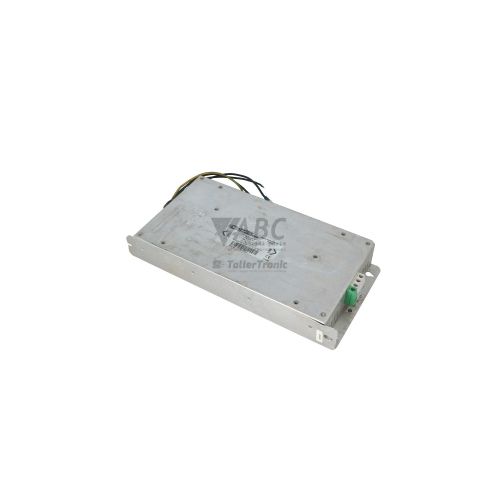
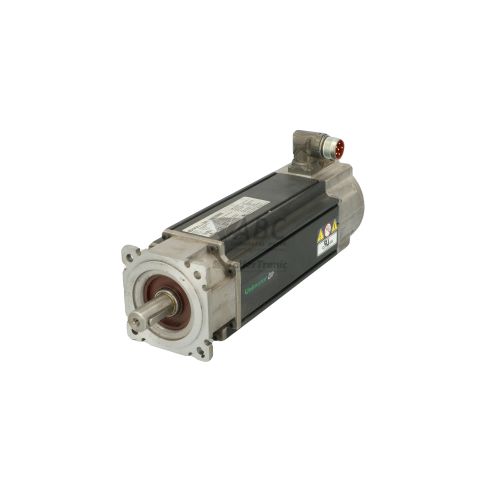
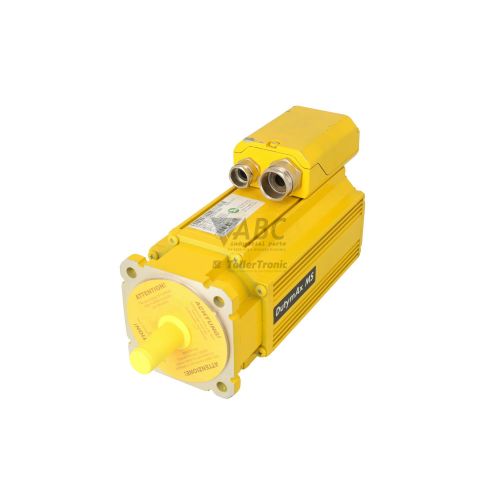
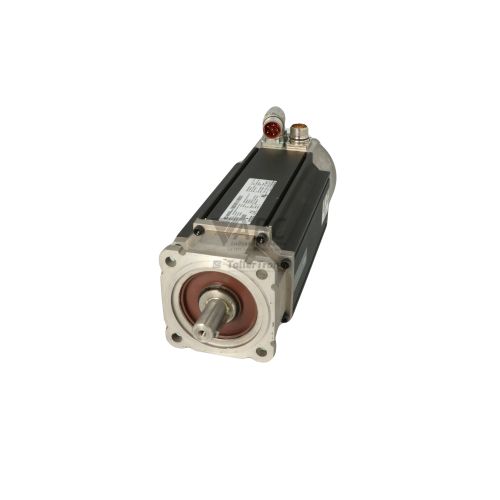
Product photos are for illustration purposes only and may differ from the actual product delivered.
Some of the content on this page was created with the help of AI. While we strive to provide accurate and up-to-date information, errors may occur.