Allen-Bradley 2198-H015-ERS2 Kinetix 5500 Servo Drive



Het item werd toegevoegd aan uw offerteaanvraag
Product Information
The Allen-Bradley 2198-H015-ERS2 is a Frame 2 servo drive in the Kinetix 5500 family, engineered for precise motion control in automated manufacturing and assembly systems. Operating across a supply voltage range of 190V to 528V AC with a 24V DC control power requirement, this unit delivers up to 12.5 A peak output current and 4.2 A continuous RMS current. At 460V 3-phase input, it yields 3.2 kW continuous output power, while supporting 1.6 kW continuous output power at 230V 3-phase and 1.0 kW at 230V 1-phase. Featuring an onboard LCD display for local status monitoring and a compact physical footprint, it is commonly utilized in high-speed packaging equipment, automated indexing mechanisms, multi-axis gantries, and pick-and-place assembly cells across automotive, packaging, food processing, and material handling environments.
System connectivity and cabling efficiency are key characteristics of the 2198-H015-ERS2 design. It supports Hiperface DSL single-cable motor connection technology, combining motor power and digital encoder feedback lines into a single assembly to reduce field wiring. Dual-port EtherNet/IP connectors support fault-tolerant Device Level Ring (DLR) network topologies, while a shared DC bus feature allows energy redistribution across multi-drive configurations. Safety integration includes both network-based CIP Safety over EtherNet/IP and hardwired Safe Torque Off (STO). The drive is engineered to operate seamlessly with VP-Series servo motors (including VPL, VPF, VPH, and VPS lines) and interfaces directly with ControlLogix (L7, L8 series) and CompactLogix (L1, L2, L3 series) controllers through Studio 5000 Logix Designer version 21.00 or higher. For facilities implementing replacement drives, ABC Industrial Parts provides technical support to help ensure smooth drive staging and controller setup.
Monitoring and troubleshooting are supported by front-panel LED indicators—Module Status (MS), Network Status (NS), and Safety Status (SS)—alongside LCD diagnostics and Studio 5000 online properties windows. The drive continually evaluates operating conditions, raising diagnostic faults for conditions such as DC bus overvoltage (E04), bus undervoltage (E05), motor overtemperature (E09), motor overcurrent (E18), drive overtemperature (E20), motor phase loss (E30), and Safe Torque Off mismatches (E34). If an unrecoverable internal hardware fault occurs or output drive transistors short (E19 or E54), board-level repair or drive exchange is required because internal power circuits are not field-serviceable. In such maintenance scenarios, ABC Industrial Parts offers replacement units and repair options to restore machine operation quickly.
Technical Specifications
| Manufacturer | Allen-Bradley |
| Part Number | 2198-H015-ERS2 |
| Model / Type | Bulletin 2198 12,5Apk Servo Drive |
| Product Family | Kinetix 5500 |
| Component Type | Servo Drive |
| Frame Size | 2 |
| Supply Voltage Range | 190 - 528 V AC |
| Control Power Supply Voltage | 24 V DC |
| Peak Output Current | 12.5 A |
| Continuous Output Current (RMS) | 4.2 A |
| Continuous Power (460V 3-Phase) | 3.2 kW |
| Continuous Power (230V 3-Phase) | 1.6 kW |
| Continuous Power (230V 1-Phase) | 1.0 kW |
| PWM Carrier Frequency | 8 kHz |
Programming and Configuration
The Allen-Bradley 2198-H015-ERS2 servo drive relies on Studio 5000 Logix Designer software (version 21.00 or higher) for configuration, axis tuning, and motion programming. Motion profiles and drive operational parameters are configured directly within the controller's axis properties, allowing unified motion control alongside standard logic programming in ControlLogix and CompactLogix platforms.
To simplify maintenance and minimize downtime during component replacement, the drive supports Automatic Device Configuration (ADC). When a replacement 2198-H015-ERS2 drive is installed on the network, the Logix controller automatically detects the hardware, verifies the unit configuration, flashes the required firmware version, and downloads all drive parameters without requiring manual interaction through engineering software.
Communication and System Integration
Communication with host controllers is managed over EtherNet/IP via dual RJ45 ports. These ports allow integration into standard star networks or resilient Device Level Ring (DLR) topologies, which maintain operational communication even if a single cable fault occurs in the network ring.
For motor connection, the 2198-H015-ERS2 incorporates Hiperface DSL single-cable technology. This interface passes motor power, thermal management, and absolute digital position feedback through a single cable to supported VP-Series servo motors (such as VPL, VPF, VPH, and VPS series). Additionally, the drive supports shared DC bus connections across neighboring Kinetix 5500 drives, enabling efficient energy sharing during deceleration cycles.
Safety integration is available through dual methods: hardwired dual-channel Safe Torque Off (STO) terminals and integrated CIP Safety over EtherNet/IP, allowing safety interlocks to be managed over the main fieldbus network.
Diagnostics and Status Indication
Diagnostic tracking on the 2198-H015-ERS2 is facilitated through three visual status LEDs on the front panel, an on-screen LCD display, and software-based monitoring inside Studio 5000 Logix Designer. Diagnostic registers can also be polled over the network via explicit CIP messaging.
The front panel houses three multi-state status LEDs that provide immediate visual feedback regarding power, network state, and safety functional readiness.
Status LED Indicators
| LED | Color/Status | Meaning |
|---|---|---|
| MODULE STATUS (MS) | Off / Green / Flashing Green / Flashing Red / Solid Red | Off: No 24V power. Green: Normal operation. Flashing Green: Drive standby / ready. Flashing Red: Recoverable major fault. Solid Red: Unrecoverable internal hardware failure. |
| NETWORK STATUS (NS) | Off / Flashing Green / Solid Green / Flashing Red / Solid Red | Off: No IP address assigned. Flashing Green: Assigned IP, no EtherNet/IP connections. Solid Green: EtherNet/IP connection active. Flashing Red: Connection timeout. Solid Red: Duplicate IP address detected. |
| SAFETY STATUS (SS) | Off / Solid Green / Flashing Green / Solid Red | Off: Safety function disabled or not configured. Solid Green: Safe Torque Off active / satisfied. Flashing Green: Safety network connection established. Solid Red: Internal safety fault detected. |
Replacement and Spare Part Considerations
When swapping an existing drive with a spare 2198-H015-ERS2, ensure the replacement unit matches the physical Frame 2 dimensioning, peak power rating (12.5 A), and safety option type (-ERS2 designates integrated CIP Safety and hardwired STO support). Operating parameters should be validated in Studio 5000 Logix Designer prior to putting the axis back into service.
If Automatic Device Configuration (ADC) is configured on the host ControlLogix or CompactLogix controller, replacing the physical drive requires minimal manual software setup. The controller will match the IP address and node identity, update drive firmware if needed, and restore parameters automatically upon power-up.
Before restoring AC power to a replacement drive, verify that the 24V DC control supply terminal wiring, motor power cable connections, Hiperface DSL encoder connection, and EtherNet/IP cabling are secure. If internal errors like E19 or E54 persist after cycling control power, internal power module or board failure is indicated, necessitating full drive replacement or repair.
Error Codes & Fault Codes
The following error codes may be displayed during operation or diagnostics:
| Code | Name | Description | Possible Cause | Recommended Action |
|---|---|---|---|---|
| E04 | Bus Overvoltage | DC bus voltage exceeded maximum allowable threshold. | Excessive deceleration rate, incoming line voltage spike, unassigned or failed shunt resistor. | Increase deceleration time, install or verify external shunt resistor, measure AC line voltage. |
| E05 | Bus Undervoltage | DC bus voltage fell below minimum operating threshold. | AC line voltage drop, main power disconnect opened, transient AC supply loss. | Verify line input voltage, inspect line contactor and fuses, check control timing on main power closure. |
| E09 | Motor Overtemperature | Motor thermal sensor indicated excessive motor temperature. | Motor thermal overload, continuous high current load, broken feedback cable sensor line. | Check mechanical binding, check duty cycle, verify cooling fans on motor, test feedback cable continuity. |
| E18 | Motor Overcurrent | Motor phase current exceeded peak output rating limit. | Short circuit in motor power cable, motor phase-to-phase short, aggressive acceleration profile, motor jam. | Inspect motor cable for insulation damage, check motor phase resistance, check mechanics for jam. |
| E19 | Drive Overcurrent | Internal transistor bridge output current exceeded hardware limit. | Short circuit at drive output terminals, short circuit in motor wiring, failed internal power module. | Disconnect motor power cable and re-test drive. If error persists with cable disconnected, replace drive. |
| E20 | Drive Overtemperature | Internal drive heatsink temperature exceeded safe operating limit. | Inadequate panel ventilation, fan failure, dirty heatsink, high ambient cabinet temperature. | Check drive cooling fan, clean heatsink, ensure minimum enclosure clearance and proper panel airflow. |
| E30 | Motor Phase Loss | Drive detected loss of connection to one or more motor phases (U, V, W). | Loose cable terminal connection, blown fuse, broken wire in motor power cable. | Check power cable wiring connections between drive output terminals and motor plug. |
| E34 | Safe Torque Off Mismatch | Mismatch between STO safety input signals or safety state inconsistency. | Faulty safety circuit wiring, failed safety relay contact, timing delay between dual safety channels. | Inspect STO input terminal wiring, check status of upstream safety controller or interlock relay. |
| E54 | Hardware Fault / Internal Error | Internal hardware failure detected during self-test or runtime processing. | Component failure on internal control board or gate drive board. | Cycle 24V DC control power. If fault re-occurs, return unit for repair or replace drive. |
Frequently Asked Questions
What software version is required to program the 2198-H015-ERS2 servo drive?
The 2198-H015-ERS2 requires Studio 5000 Logix Designer software version 21.00 or higher for full system configuration and axis control.
How does Automatic Device Configuration (ADC) assist during replacement?
When Automatic Device Configuration (ADC) is enabled in the Logix controller, the controller detects the replacement drive on the network, flashes matching firmware, and restores all parameter settings automatically.
Which motor families are compatible with the 2198-H015-ERS2?
The drive is designed for use with VP-Series servo motors, including VPL, VPF, VPH, and VPS series motors utilizing Hiperface DSL single-cable motor feedback.
What controllers support integration with the 2198-H015-ERS2?
The 2198-H015-ERS2 integrates with ControlLogix controllers (L7 and L8 series) and CompactLogix controllers (L1, L2, and L3 series).
What does error E19 indicate on this drive?
Fault E19 indicates a Drive Overcurrent state where internal bridge current exceeded hardware limits. If the error remains active after disconnecting the motor cable and cycling 24V DC power, internal hardware failure has occurred and the drive must be replaced or repaired.
Take advantage of our exchange formula
A defective product does not have to be worthless. At ABC Industrial Parts, you can hand in defective products and immediately benefit from a discount on your new purchase. This is a smart way to save money while contributing to a circular economy.
Play it safe with our warranty conditions
Industrial plants prefer to keep running invariably, no matter what. Therefore, it is essential that you can rely on high-quality products and/or sustainable repairs. With our warranty conditions, you can count on certainty, whether you choose new, used or repaired products.
Data backup and recovery
Have you lost valuable parameters or data due to a malfunction while the manufacturer no longer provides support? At ABC Industrial Parts, we help you secure this data, both for common and specific products.
Specific firmware and hardware versions
If you are working with specific hardware or firmware versions that are no longer available from the manufacturer, ABC Industrial Parts is your partner. When making your enquiry, clearly state which versions you need, we will then look at the possibilities of supplying those versions, so that your installations continue to function optimally.
Disclaimer:
We are not an authorised distributor of Allen-Bradley.
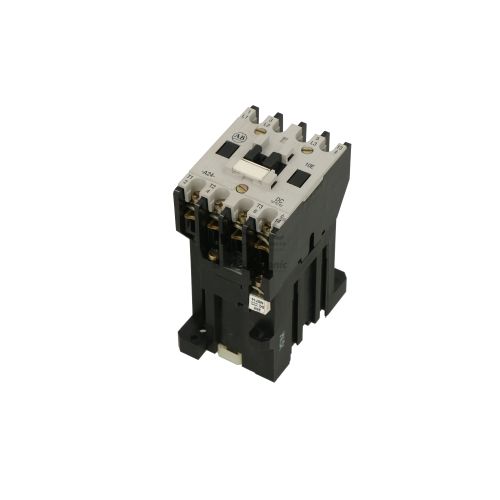
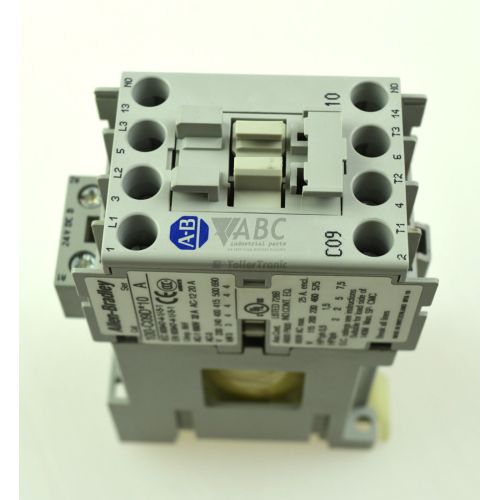
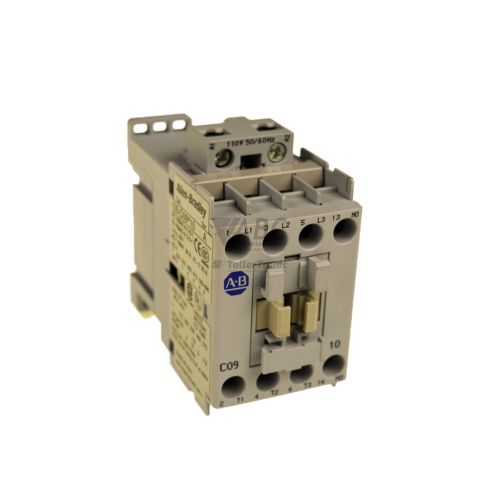
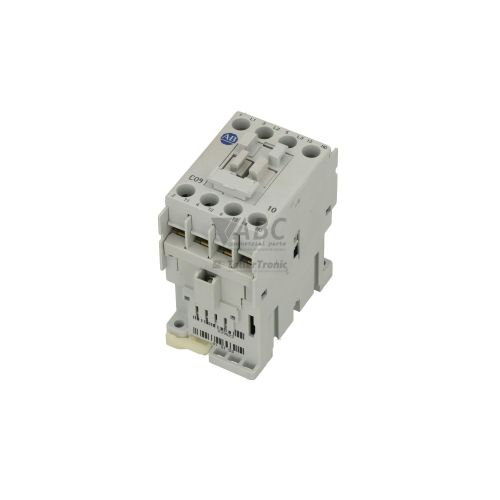
Product photos are for illustration purposes only and may differ from the actual product delivered.
Some of the content on this page was created with the help of AI. While we strive to provide accurate and up-to-date information, errors may occur.