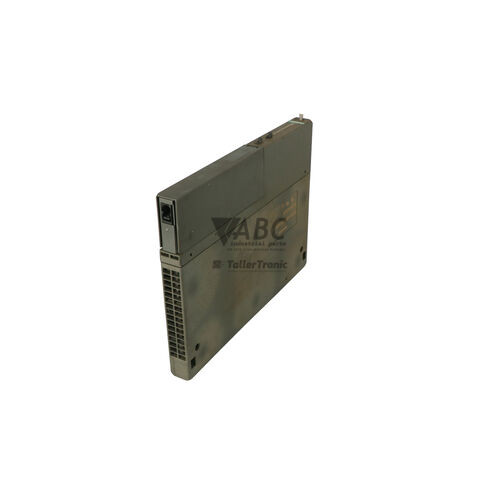
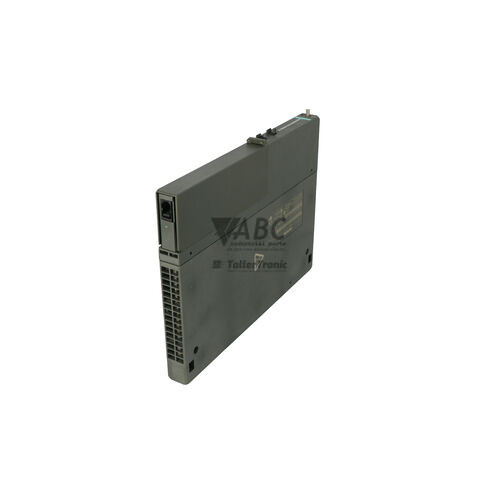
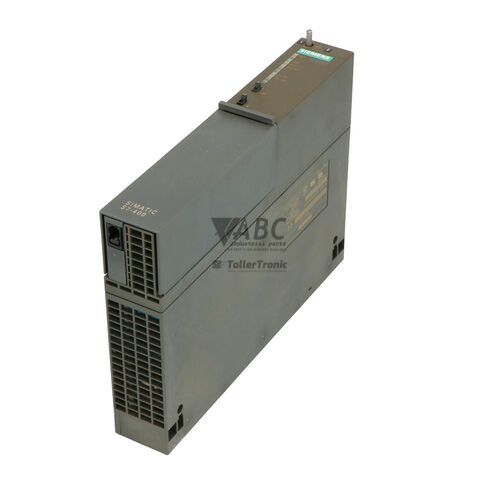
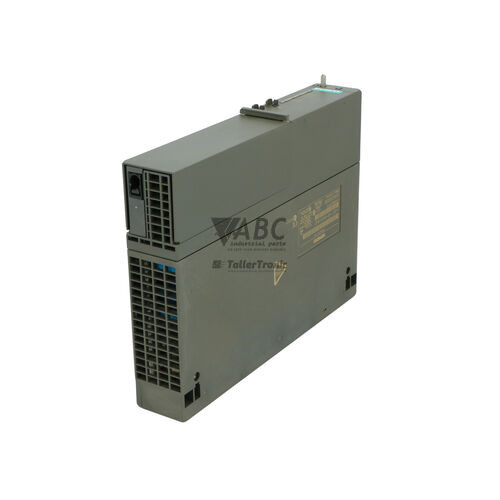
Siemens 6ES7407-0DA02-0AA0 SIMATIC S7-400 PS407 10A Power Supply Module


Het item werd toegevoegd aan uw offerteaanvraag
Product Information
The Siemens 6ES7407-0DA02-0AA0 is a PS407 10A power supply module designed for SIMATIC S7-400 PLC rack assemblies. Operating across a wide input range of 85 to 264 V AC or 88 to 300 V DC at 47 to 63 Hz, this 2-slot module converts primary line power into stabilized internal operating voltages. It provides a main 5 V DC output rated at 10 A to power connected central processing units and function modules over the backplane bus, along with an auxiliary 24 V DC output rated at 1 A for localized control circuits.
Integrating into standard SIMATIC S7-400 backplane racks, the module features dual battery compartments for up to two 3.6 V AA lithium backup batteries. These batteries safeguard volatile RAM data in S7-400 CPUs during complete utility power outages. Commissioning or replacing a unit requires selecting the correct battery configuration via the front-panel switch according to whether zero, one, or two batteries are installed, followed by configuring the module within STEP 7 HW Config. ABC Industrial Parts can provide tested replacement power supplies to help maintain continuous production uptime.
Real-time visual monitoring is provided through a front-panel LED matrix. Dedicated indicators report the status of the 5 V DC and 24 V DC output voltages, internal electronic faults (INTF), battery fault conditions (BAF), and individual battery health (BATT1VIA / BATT2VIA). Fault indications can be acknowledged and cleared using the integrated front-panel FMR push button. Internal electronic faults indicated by a solid INTF LED are not field-repairable at the component level, making module replacement or exchange through ABC Industrial Parts the standard procedure to restore complete system functionality.
Technical Specifications
| Manufacturer | Siemens |
| Part Number | 6ES7407-0DA02-0AA0 |
| Model / Type | PS 407 10A |
| Product Family | SIMATIC S7-400 |
| Component Type | Power Supply Module |
| AC Input Voltage Range | 85 - 264 V AC |
| DC Input Voltage Range | 88 - 300 V DC |
| Line Frequency Range | 47 - 63 Hz |
| Primary Output Voltage | 5 V DC |
| Primary Output Current | 10 A |
| Secondary Output Voltage | 24 V DC |
| Secondary Output Current | 1 A |
| Maximum Power Consumption | 95 W |
| Rack Width Requirement | 2 slots |
Programming and Configuration
Hardware management for the Siemens 6ES7407-0DA02-0AA0 power supply module is integrated directly into the STEP 7 HW Config engineering software. Placing the PS407 power supply in the digital rack layout allows the controller configuration to recognize power availability across the SIMATIC S7-400 backplane.
In addition to software configuration, physical selector switches on the front panel must be adjusted prior to startup. The battery selection switch must be set to match the exact number of installed 3.6 V lithium backup batteries (0, 1, or 2) to ensure correct battery monitoring and prevent false battery fault alarms during operation.
Diagnostics and Status Indication
The front panel of the 6ES7407-0DA02-0AA0 power supply features a multi-LED status matrix for immediate diagnostic feedback. Standard operational health is confirmed when both the green 5VDC and 24VDC LEDs are illuminated, indicating that backplane and auxiliary output voltages remain within functional tolerances.
When diagnostic conditions arise, the red INTF LED signals an internal electronic hardware fault, while the red BAF LED alerts technicians to depleted or missing backup batteries or a misconfigured selector switch. Yellow BATT1VIA and BATT2VIA LEDs monitor the active status of individual battery slots. Following maintenance or battery replacement, pressing the front-panel FMR (Fault Clear) push button resets active diagnostic alarms.
Status LED Indicators
| LED | Color/Status | Meaning |
|---|---|---|
| INTF | Red - Solid | Internal electronic fault detected in the power supply module |
| 5VDC | Green - Solid | 5 V DC output voltage on the backplane bus is within valid tolerance |
| 24VDC | Green - Solid | 24 V DC auxiliary output voltage is within valid tolerance |
| BAF | Red - Solid | Backup battery voltage is below minimum threshold, missing, or selector switch misconfigured |
| BATT1VIA / BATT2VIA | Yellow - Solid | Indicates condition and active backup status of battery in slot 1 or slot 2 |
Replacement and Spare Part Considerations
When replacing an existing power supply with the Siemens 6ES7407-0DA02-0AA0, verify that the target S7-400 rack rack section has two available adjacent slots. Ensure that primary line voltage matches the broad input capability of 85–264 V AC or 88–300 V DC before applying power.
To retain critical CPU RAM data during main power loss, install fresh 3.6 V lithium AA backup batteries into the spare module prior to mounting. Align the front-panel battery selector switch with the number of inserted batteries, seat the module firmly onto the backplane bus connectors, and press the FMR push button after startup to clear residual alarms.
Frequently Asked Questions
What are the primary input voltage ranges for the Siemens 6ES7407-0DA02-0AA0 power supply?
The module features a wide-range input accepting either 85 to 264 V AC or 88 to 300 V DC at line frequencies between 47 and 63 Hz.
What DC outputs does the PS407 10A supply to the S7-400 rack?
It provides a primary 5 V DC output at up to 10 A to power the S7-400 backplane bus and connected functional modules, as well as a secondary auxiliary 24 V DC output at up to 1 A.
How many slots does this power supply module require on an S7-400 rack?
The Siemens 6ES7407-0DA02-0AA0 occupies two physical slots on a standard SIMATIC S7-400 backplane assembly.
How does the backup battery feature work on the 6ES7407-0DA02-0AA0?
The module contains compartments for up to two 3.6 V lithium backup batteries to preserve volatile RAM data in S7-400 CPUs during utility outages. A front-panel selector switch must be set to match the installation of 0, 1, or 2 batteries.
What does a solid red INTF LED mean on the power supply module?
A solid red INTF LED indicates an internal electronic hardware fault within the power supply module, requiring replacement or repair of the unit.
What is the function of the FMR push button on the front panel?
The FMR (Fault Clear) button acknowledges and resets active alarm indications once a fault condition or battery issue has been resolved.
Take advantage of our exchange formula
A defective product does not have to be worthless. At ABC Industrial Parts, you can hand in defective products and immediately benefit from a discount on your new purchase. This is a smart way to save money while contributing to a circular economy.
Play it safe with our warranty conditions
Industrial plants prefer to keep running invariably, no matter what. Therefore, it is essential that you can rely on high-quality products and/or sustainable repairs. With our warranty conditions, you can count on certainty, whether you choose new, used or repaired products.
Data backup and recovery
Have you lost valuable parameters or data due to a malfunction while the manufacturer no longer provides support? At ABC Industrial Parts, we help you secure this data, both for common and specific products.
Specific firmware and hardware versions
If you are working with specific hardware or firmware versions that are no longer available from the manufacturer, ABC Industrial Parts is your partner. When making your enquiry, clearly state which versions you need, we will then look at the possibilities of supplying those versions, so that your installations continue to function optimally.
Disclaimer:
We are not an authorised distributor of Siemens.
Product photos are for illustration purposes only and may differ from the actual product delivered.
Some of the content on this page was created with the help of AI. While we strive to provide accurate and up-to-date information, errors may occur.