Danfoss 130B1107 LCP 102 Graphic Display Panel


Het item werd toegevoegd aan uw offerteaanvraag
Product Information
The Danfoss 130B1107 LCP 102 Graphic Display is a local human-machine interface panel designed for local monitoring, operation, and parameterization of VLT series frequency inverters. As part of the VLT Control Options product family, this HMI display panel features a high-contrast 128 x 64 pixel graphical LCD screen capable of presenting up to five lines of alphanumeric status data, operational metrics, and graphical trends simultaneously. Built with a direct drive panel plug connector, the LCP 102 connects directly to the drive control header and supports multi-language navigation across 27 standard languages, allowing technicians to switch seamlessly between operating views and configuration menus.
Interfacing directly with the drive via Danfoss proprietary internal LCP protocol, the 130B1107 panel supports full hot-pluggable mounting, enabling operators to attach or detach the unit while the drive remains energized without disrupting ongoing process control. The module is compatible across multiple drive platforms, including the Danfoss VLT HVAC Drive FC 102, VLT Refrigeration Drive FC 103, VLT AQUA Drive FC 202, and VLT AutomationDrive FC 301 and FC 302. For commissioning and parameter management, the LCP 102 features non-volatile internal EEPROM memory that backs up, stores, and transfers up to four complete drive parameter sets using Parameter 0-50 (LCP Copy). This cloning feature allows field service engineers to rapidly transfer settings from a running drive to a replacement unit, with ABC Industrial Parts providing tested replacement hardware to minimize plant downtime.
Visual system feedback is provided directly on the panel face by three multi-color status LEDs indicating ON power status, WARN condition, and ALARM trip states. For rapid diagnostic troubleshooting, pressing the dedicated Alarm Log key displays active warnings and the last 10 historical trip log entries with error codes and descriptive text. First-line troubleshooting should start by checking that the panel is firmly seated on the drive header and inspecting the interface connector pins for mechanical damage or contamination. In instances where the display indicates internal hardware trips, such as an IGBT fault or internal control card logic failure, board-level repairs cannot be performed in the field, making a verified replacement unit from ABC Industrial Parts the most effective path to restoring drive operation.
Technical Specifications
| Display Type | LCD Graphical Display |
| Display Resolution | 128 x 64 pixels |
| Display Lines | 5 lines |
| Supported Languages | 27 languages |
| Hot Pluggable | Yes |
| Interface Connector | Direct Drive Panel Plug Connector |
| Communication Protocol | Danfoss Proprietary Internal LCP Protocol |
| Configuration Memory | Non-Volatile EEPROM (4 Parameter Sets) |
Programming and Configuration
The Danfoss 130B1107 LCP 102 Graphic Display provides comprehensive local programming capabilities for compatible VLT series frequency inverters. Using dedicated tactile keypad navigation—including Hand On, Off, Auto On, Quick Menu, and Main Menu buttons—operators can modify operational limits, adjust drive control modes, and configure application parameters directly at the drive location. The panel's graphic LCD screen presents parameter menus in up to 27 standard languages, allowing clear navigation without specialized external configuration tools.
Configuration backup and cloning are managed through integrated non-volatile EEPROM memory built into the display panel. Using Parameter 0-50 (LCP Copy), maintenance personnel can upload, store, and download up to four complete drive parameter sets. This capability enables efficient cloning of operating profiles across identical VLT drives or rapid restoration of parameter settings during drive maintenance, eliminating manual parameter entry errors.
Communication and System Integration
The 130B1107 LCP 102 module integrates directly onto the front header of compatible Danfoss VLT frequency inverters using a direct drive panel plug connector. Utilizing Danfoss proprietary internal LCP protocol, the interface establishes rapid, deterministic communication with the drive's main control card to exchange operational metrics, parameter commands, and diagnostic signals.
Designed for maximum flexibility in demanding industrial environments, the display panel features hot-pluggable connectivity. This enables installation or removal while drive power is active without causing process interruptions or communication faults on the main control board. The panel offers standardized integration across the Danfoss VLT series, including VLT HVAC Drive FC 102, VLT Refrigeration Drive FC 103, VLT AQUA Drive FC 202, and VLT AutomationDrive FC 301 and FC 302 systems.
Diagnostics and Status Indication
The LCP 102 display panel delivers real-time diagnostic reporting through both visual LED indicators and an integrated graphical LCD screen. Operators can access live status metrics, active warning conditions, and historical fault data directly from the drive front panel. Pressing the dedicated Alarm Log key opens the historical trip log, which stores up to 10 previous fault entries complete with error codes and fault descriptions for detailed root-cause analysis.
Status LED Indicators
| LED | Color/Status | Meaning |
|---|---|---|
| ON | Green - Solid | Control section power is present and drive is energized. |
| WARN | Yellow - Solid | A warning condition is active on the drive; operation continues but action may be required. |
| ALARM | Red - Flashing / Solid | An alarm trip has occurred on the drive. Flashing red indicates trip locked condition requiring power cycle or reset. |
Replacement and Spare Part Considerations
When replacing a Danfoss 130B1107 LCP 102 display panel, ensure physical compatibility with the host drive control header. The panel is designed for direct plug-in attachment across compatible VLT drives, including FC 102, FC 103, FC 202, and FC 301/302 models. Prior to mounting, inspect the header pins on the drive control card to ensure they are straight and free from contamination or damage that could disrupt local communication.
Because the LCP 102 contains non-volatile EEPROM memory, a functional display unit can be used to copy parameters from an operational drive prior to servicing. Technicians can execute an upload via Parameter 0-50 (LCP Copy) to back up drive settings, replace or service the target drive unit, and download the stored parameter sets directly to the replacement drive. If an upload fails with an ERR 84 LCP Copy Error, verify firmware compatibility and ensure the panel remains firmly seated on the header throughout the transfer process.
Error Codes & Fault Codes
The following error codes may be displayed during operation or diagnostics:
| Code | Name | Description | Possible Cause | Recommended Action |
|---|---|---|---|---|
| ERR 84 | LCP Copy Error | Parameter upload or download between frequency inverter and LCP 102 failed. | Interrupted communication, mismatched firmware parameter structures, or corrupted internal memory. | Ensure LCP 102 is firmly seated on the drive header. Retry parameter copy in Par. 0-50. Verify firmware version compatibility. |
| W 85 | LCP Timeout | Communication link between LCP 102 and the drive control card has been disconnected or timed out. | LCP disconnected during operation, bad contact pins, or noise interference on local bus. | Check physical seat of LCP 102 unit. Inspect connector pins on control card for damage. |
| A 13 | Over Voltage | Intermediate circuit voltage exceeds upper voltage safety limit. | Motor regenerating power during deceleration, ramp-down time too aggressive, or transient grid surge. | Extend deceleration time, connect dynamic brake module/resistor, or verify main AC supply stability. |
| A 14 | Earth Fault | Ground leakage current detected on motor output phases. | Insulation breakdown in motor cable, phase-to-ground fault in motor winding, or excessive line capacitance. | Measure insulation resistance of motor windings and power cables using megohmmeter. |
| A 16 | Short Circuit | Direct short circuit detected across motor output terminals or phase conductors. | Short circuit in motor wiring or shorted motor phase windings. | Inspect output terminal block and motor junction box for short circuit paths. |
| A 37 | IGBT Fault | Fault signal returned from inverter power section gate driver. | Internal short circuit, failed IGBT module, or gate drive circuit failure. | Internal hardware fault — inspect motor and output wiring. If external path is clear, drive internal hardware repair or replacement is required. |
| A 38 | Internal Fault | Internal hardware breakdown or micro-controller execution failure. | Control card micro-controller logic failure, internal supply voltage collapse, or damaged memory board. | Internal hardware fault — perform power cycle. If error persists, replace control card or return drive unit for service. |
Frequently Asked Questions
Which Danfoss VLT drive models are compatible with the 130B1107 LCP 102 display?
The Danfoss 130B1107 LCP 102 Graphic Display is compatible with the Danfoss VLT HVAC Drive FC 102, VLT Refrigeration Drive FC 103, VLT AQUA Drive FC 202, and VLT AutomationDrive FC 301 and FC 302.
Can the Danfoss 130B1107 LCP 102 display panel be plugged in while the drive is powered?
Yes, the LCP 102 features a hot-pluggable design that allows technicians to attach or remove the display panel while drive power is active without interrupting process control.
How do I clone parameters using the 130B1107 LCP 102 panel?
Parameter configurations can be backed up and transferred using Parameter 0-50 (LCP Copy). The panel's non-volatile EEPROM memory can store up to four complete parameter sets for download to identical VLT drives.
What does an ERR 84 code indicate on the LCP 102 display?
An ERR 84 indicates an LCP Copy Error during parameter upload or download between the drive and the panel. This can be caused by interrupted communication, mismatched firmware parameter structures, or memory corruption. Ensure the unit is firmly seated and retry the copy command in Parameter 0-50.
How do I check past fault history on the Danfoss 130B1107 display?
Press the dedicated Alarm Log key on the LCP 102 keypad to access historical trip messages. The panel maintains a log of the last 10 fault entries along with error codes and descriptions.
Take advantage of our exchange formula
A defective product does not have to be worthless. At ABC Industrial Parts, you can hand in defective products and immediately benefit from a discount on your new purchase. This is a smart way to save money while contributing to a circular economy.
Play it safe with our warranty conditions
Industrial plants prefer to keep running invariably, no matter what. Therefore, it is essential that you can rely on high-quality products and/or sustainable repairs. With our warranty conditions, you can count on certainty, whether you choose new, used or repaired products.
Data backup and recovery
Have you lost valuable parameters or data due to a malfunction while the manufacturer no longer provides support? At ABC Industrial Parts, we help you secure this data, both for common and specific products.
Specific firmware and hardware versions
If you are working with specific hardware or firmware versions that are no longer available from the manufacturer, ABC Industrial Parts is your partner. When making your enquiry, clearly state which versions you need, we will then look at the possibilities of supplying those versions, so that your installations continue to function optimally.
Disclaimer:
We are not an authorised distributor of Danfoss.
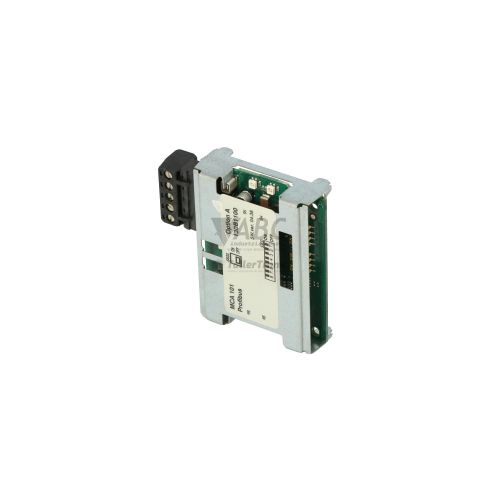
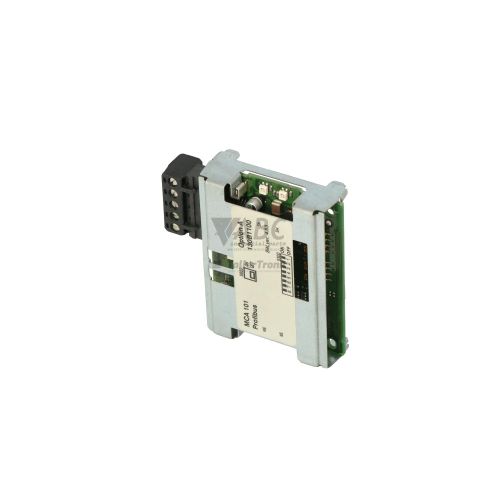
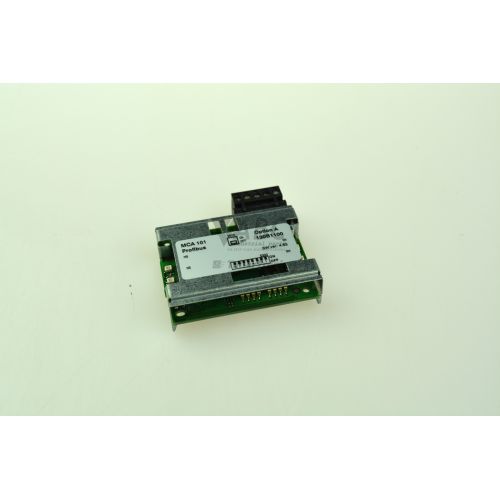
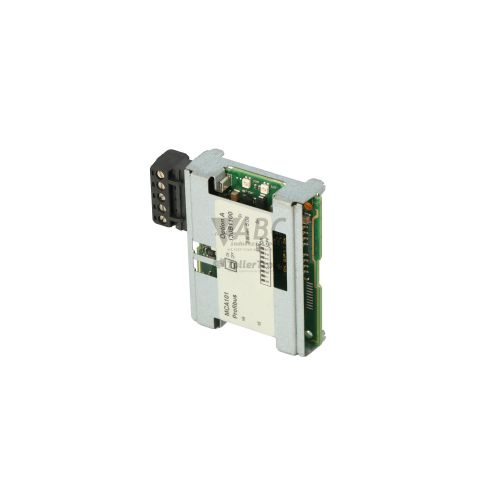
Product photos are for illustration purposes only and may differ from the actual product delivered.
Some of the content on this page was created with the help of AI. While we strive to provide accurate and up-to-date information, errors may occur.