Lenze 00492047 EMF2133IB – CANopen System Bus Module


Het item werd toegevoegd aan uw offerteaanvraag
Product Information
The Lenze 00492047 EMF2133IB is a system bus communication module belonging to the Global Drive Function Modules family. Designed as a plug-in function module for installation in the Function Module (FIF) slot, this device enables high-speed peer-to-peer data interchange and system integration across Lenze 8200 Vector frequency inverters, Lenze 9300 Servo drives, and Lenze Drive PLC controllers. Powered directly by the host drive internal 5 V DC supply, the module establishes real-time fieldbus communications using both standard CANopen and high-speed Lenze System Bus protocol profiles in centralized motion architectures and multi-axis drive applications.
Interfacing the EMF2133IB with fieldbus cabling is handled through either a Sub-D 9-pin male connector or a pluggable terminal strip. The network supports transmission speeds from 10 kbit/s up to 500 kbit/s across up to 63 node addresses on a single bus segment. Commissioning a replacement unit requires configuring the node address and transmission rate to match the original system, which can be completed using onboard hardware DIP switches or software parameters in the drive controller. Integrated switchable 120 Ohm bus termination resistors allow quick signal line termination without external components. When configuring replacement hardware for legacy drive setups, ABC Industrial Parts can assist with supply and verification to ensure seamless drop-in installation.
Diagnostic monitoring for the module is available on the front panel through the RUN and ERROR status LED indicators, which provide instant visual feedback on operational state and bus communication errors. Comprehensive diagnostics and error history tracking are further accessible using Lenze Global Drive Control (GDC) software or an optional XT Keypad module connected to the host drive. Diagnostic codes CE0 through CE4 indicate specific fieldbus issues such as communication timeouts, CAN bus-off states, buffer overflows, or initialization faults. First-line troubleshooting includes verifying physical bus connections, checking cable shielding and 120 Ohm termination switches, and validating DIP switch settings across all network nodes. If internal hardware initialization failures persist after re-seating the card, board-level faults require a replacement unit or repair services available through ABC Industrial Parts.
Technical Specifications
| Manufacturer | Lenze |
| Part Number | 00492047 |
| Model / Type | EMF2133IB |
| Product Family | Global Drive Function Modules |
| Component Type | Communication Module |
| Supply Voltage | 5 V DC |
| Communication Protocols | CANopen / Lenze System Bus (CAN) |
| Minimum Baud Rate | 10 kbit/s |
| Maximum Baud Rate | 500 kbit/s |
| Maximum Node Addresses | 63 |
| Interface Connectors | Sub-D 9-pin male / Pluggable Terminal Strip |
| Bus Termination Resistance | 120 Ohm |
Programming and Configuration
Configuring the Lenze 00492047 EMF2133IB module is primarily handled through physical hardware controls and software tools. Onboard hardware DIP switches allow engineers and maintenance technicians to manually define the unique CAN node identification address and network baud rate prior to powering up the system. This hardware-based setup simplifies module installation and drop-in replacements without requiring an immediate software connection.
For advanced network integration and functional tuning, the module interacts with the host drive via Lenze Global Drive Control (GDC) engineering software. Parameter settings within GDC allow fine-tuning of communication cycles and operational behaviors. Alternatively, basic configuration and error history access can be conducted directly using an XT Keypad module attached to the host Lenze drive.
Communication and System Integration
The EMF2133IB communication module supports both standard CANopen fieldbus protocols and the proprietary high-speed Lenze System Bus profile. It enables real-time peer-to-peer data synchronization between drives in multi-axis motion applications, as well as higher-level control network integration. The module supports configurable baud rates ranging from 10 kbit/s to 500 kbit/s, enabling reliable data transmission tailored to specific network lengths and response requirements.
Physical connection options include a standard 9-pin male Sub-D connector and a pluggable terminal strip for flexible wiring layout within control cabinets. The module can accommodate up to 63 addressable nodes on a single CAN bus segment. To maintain signal integrity and eliminate signal reflections across long cable runs, the unit features built-in switchable 120 Ohm bus termination resistors.
Diagnostics and Status Indication
Visual diagnostic indications are provided on the front interface of the EMF2133IB via two primary status LEDs labeled RUN and ERROR. These indicators deliver immediate feedback regarding power status, CAN system bus activity, and hardware or bus operational errors.
Detailed diagnostic analysis is achieved through the Lenze Global Drive Control (GDC) software package or via an attached XT Keypad module. These diagnostic interfaces grant technicians access to active fault logs, communication error counts, and host drive error histories to expedite troubleshooting.
Status LED Indicators
| LED | Color/Status | Meaning |
|---|---|---|
| RUN | Green - Solid / Flashing | Indicates active module power and operational CAN system bus communication state |
| ERROR | Red - Solid / Flashing | Indicates communication error, bus-off condition, or internal hardware fault |
Replacement and Spare Part Considerations
When replacing an existing Lenze 00492047 EMF2133IB module, ensure the host drive is completely powered down before removing or inserting the unit into the Function Module (FIF) slot. Mechanical alignment is critical to ensure proper engagement with the internal drive connector and avoid pin damage or poor electrical contact.
Before putting the replacement module into operation, verify that the onboard DIP switches for node address and baud rate match the switch settings of the unit being replaced. Additionally, confirm that the internal 120 Ohm bus termination switch is enabled only if the module is installed at the physical end of the CAN bus line. Matching these hardware settings ensures immediate communication compatibility upon system restart.
Error Codes & Fault Codes
The following error codes may be displayed during operation or diagnostics:
| Code | Name | Description | Possible Cause | Recommended Action |
|---|---|---|---|---|
| CE0 | Communication Error 0 (System Bus Timeout) | Communication failure or time-out detected on CAN / System Bus module interface. | CAN bus cable broken, disconnected connector, missing bus termination, or node power failure. | Check CAN bus wiring, shield connection, terminal connection, and bus termination resistors (120 Ohm at both physical ends). |
| CE1 | Communication Error 1 (CAN Bus Off) | CAN controller on communication module entered Bus-Off state due to excessive transmit/receive error counts. | Incorrect baud rate setting, duplicate CAN node address, severe EMC interference, or faulty bus wiring. | Verify baud rate DIP switch settings on all nodes, verify unique node IDs, ensure proper cable shielding and grounding, and restart communication. |
| CE2 | Communication Error 2 (CAN Receive Buffer Overflow) | Receive message buffer overflow on CAN interface. | High bus load, master sending data too fast for host drive processing cycle. | Check bus load, increase cycle time / sync interval in CAN master configuration. |
| CE3 | Communication Error 3 (CAN Transmit Buffer Overflow) | Transmit buffer full due to lack of bus acknowledge signal. | No active receiver on bus, baud rate mismatch, or disconnected cable. | Ensure at least one other operational node/master is online and operating at the same baud rate on the network. |
| CE4 | Communication Error 4 (Module Hardware / Initialization Fault) | Internal communication failure between drive host CPU and function module. | Function module not properly seated in FIF slot, corrupted module identification data, or internal hardware fault. | Power down drive, re-seat EMF2133IB module securely into slot, and power up. If fault persists, replace function module. |
Frequently Asked Questions
Which drive families are compatible with the Lenze 00492047 EMF2133IB module?
The EMF2133IB function module inserts into the Function Module (FIF) slot of Lenze 8200 Vector frequency inverters, Lenze 9300 Servo drives, and Lenze Drive PLC controllers.
How are the node address and transmission speed configured on the module?
Node IDs and baud rates are configured using onboard hardware DIP switches located directly on the module, or via software parameters in Lenze Global Drive Control (GDC).
What connector interfaces are available on the EMF2133IB card?
The module provides two connector options: a Sub-D 9-pin male connector and a pluggable terminal strip.
How should I resolve a CE0 or CE1 error code?
For CE0 (timeout) or CE1 (bus-off), inspect CAN cabling, terminal connections, and shielding. Ensure that baud rate DIP switches match across all nodes, node addresses are unique, and 120 Ohm termination resistors are enabled at both ends of the network.
What does a CE4 error code indicate on the drive display?
A CE4 fault indicates an internal communication failure between the host drive CPU and the EMF2133IB card. Turn off drive power, re-seat the card firmly into its FIF slot, and reapply power. If the fault does not clear, the module may have an internal hardware fault and require replacement.
Take advantage of our exchange formula
A defective product does not have to be worthless. At ABC Industrial Parts, you can hand in defective products and immediately benefit from a discount on your new purchase. This is a smart way to save money while contributing to a circular economy.
Play it safe with our warranty conditions
Industrial plants prefer to keep running invariably, no matter what. Therefore, it is essential that you can rely on high-quality products and/or sustainable repairs. With our warranty conditions, you can count on certainty, whether you choose new, used or repaired products.
Data backup and recovery
Have you lost valuable parameters or data due to a malfunction while the manufacturer no longer provides support? At ABC Industrial Parts, we help you secure this data, both for common and specific products.
Specific firmware and hardware versions
If you are working with specific hardware or firmware versions that are no longer available from the manufacturer, ABC Industrial Parts is your partner. When making your enquiry, clearly state which versions you need, we will then look at the possibilities of supplying those versions, so that your installations continue to function optimally.
Disclaimer:
We are not an authorised distributor of Lenze.
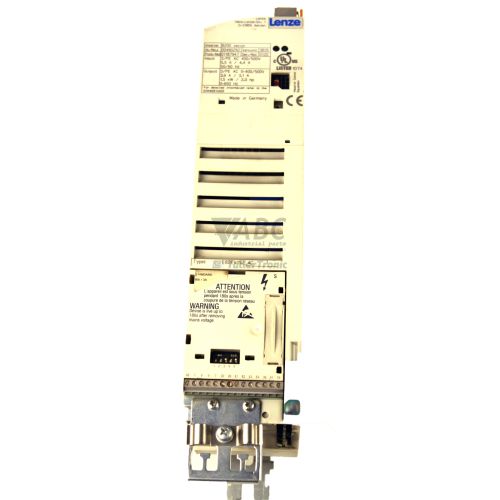
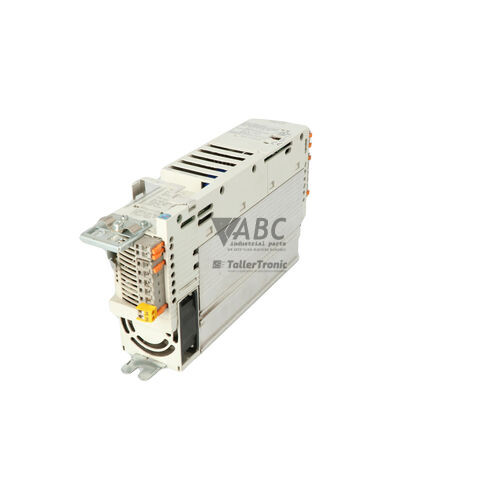
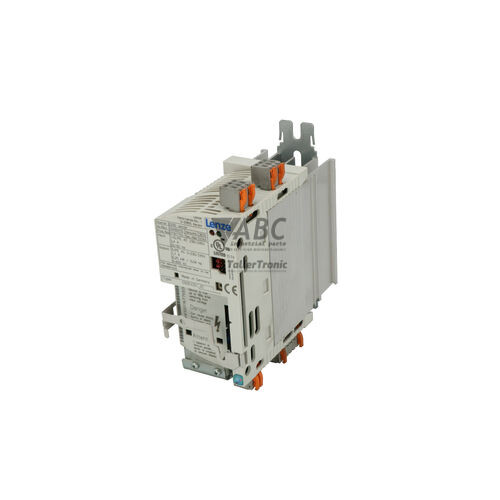
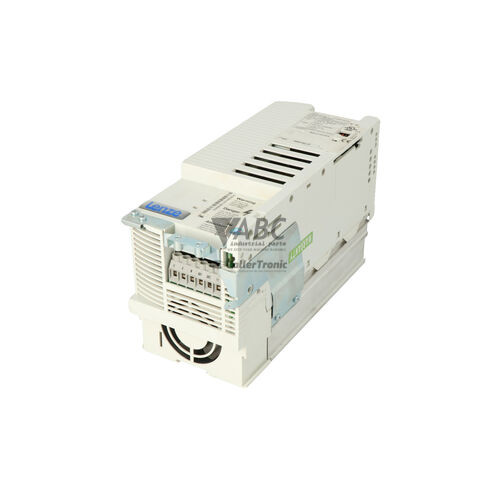
Product photos are for illustration purposes only and may differ from the actual product delivered.
Some of the content on this page was created with the help of AI. While we strive to provide accurate and up-to-date information, errors may occur.